• Slider Image
  • Slider Image
  • Slider Image
Placeholder Image 1

Step 1 - Theme Options

To begin customizing your site go to Appearance -> Customizer and select Theme Options. Here's you'll find custom options to help build your site.

Placeholder Image 2

Step 2 - Setup Slider

To add a slider go to Theme Options -> Homepage and choose page slider. The slider will use the page title, excerpt and featured image for the slides.

Placeholder Image 3

Step 3 - Create Homepage

To add featured content go to Theme Options -> Homepage (Featured) and turn the switch on then add the content you want for each section.

Sunday, January 2, 2022

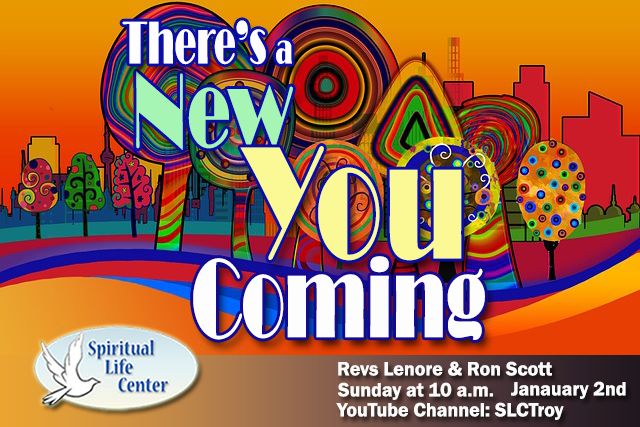
There’s a New You Coming   If you are like most people, even though life is filled with much to enjoy, something vital is missing.  On Sunday we focus on this and identify seven important practices that can bring you a whole new dimension of living. Please join us for Spiritual Life Center’s on-line service on YouTube as Revs. Ron…

Sunday, November 7, 2022

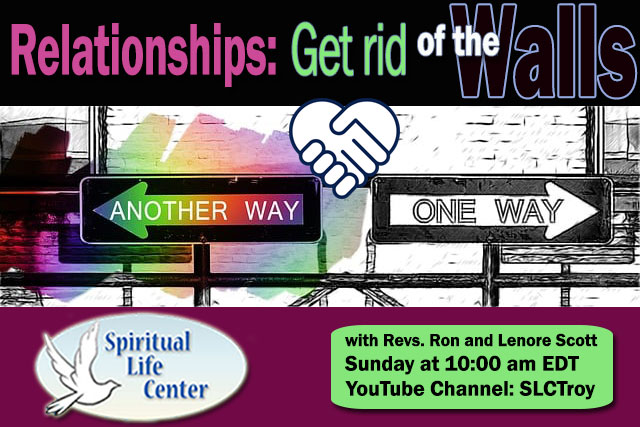
Relationships: Get Rid of the Walls   You can maintain your centeredness no matter what.  This Sunday Rev Ron shares a simple way to remain on the path to your Greater Good and maintain friendships despite anything that appears to block you. Please join us on Sunday, November 7th for Spiritual Life Center’s on-line service as Revs. Ron &…